
CADILLAC & AMAZON
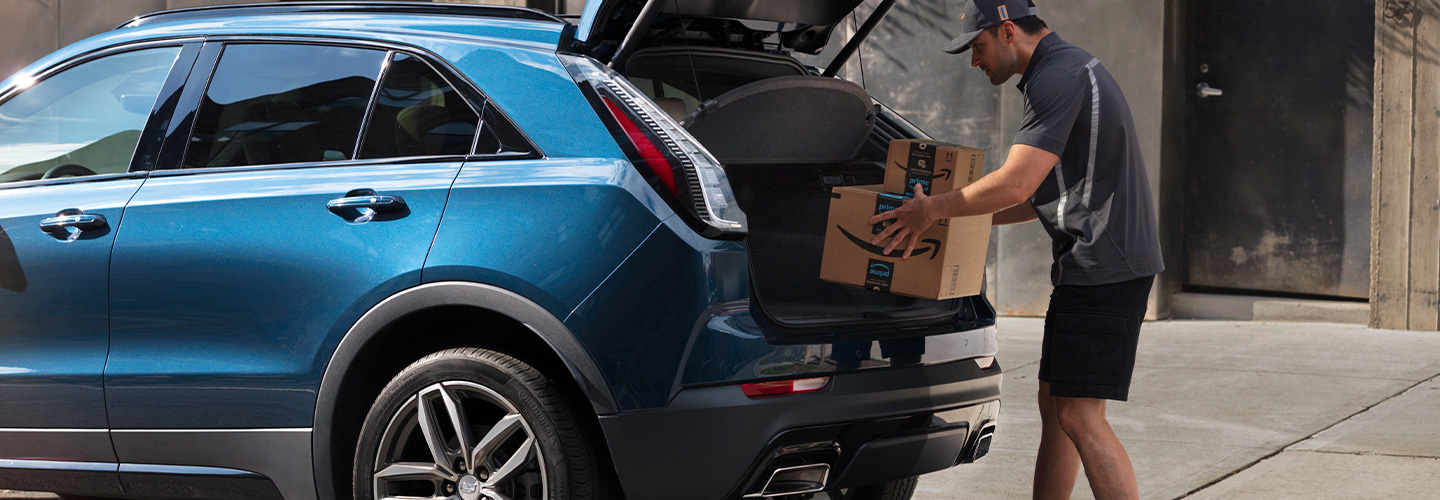
From having your packages securely delivered directly to your properly equipped Cadillac with Key In-Car Delivery†, to being able to use your voice to issue remote commands† through an Alexa built-in device, Cadillac and Amazon are bringing you an ownership experience that brings convenience and connectivity to your car. "Alexa, fist bump".
MYCADILLAC SKILL FOR ALEXA
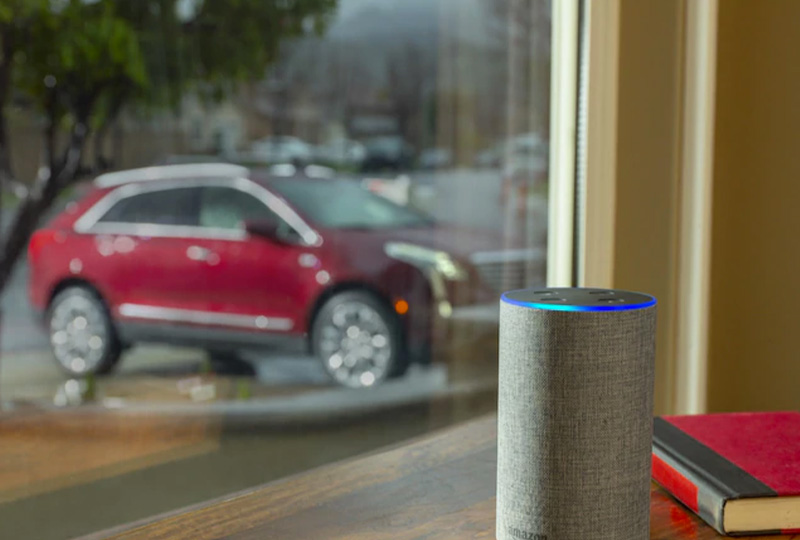
ASK ALEXA TO "START MY CADILLAC"
Command your properly equipped Cadillac like never before with an Alexa built-in device and an eligible service plan. With the myCadillac skill for Alexa†, you can start or stop† your vehicle, lock or unlock it†, or secure all of your selected vehicles in your virtual garage by locking them all from the comfort of your home, or wherever your Alexa built-in device is located.
HOW TO GET STARTED
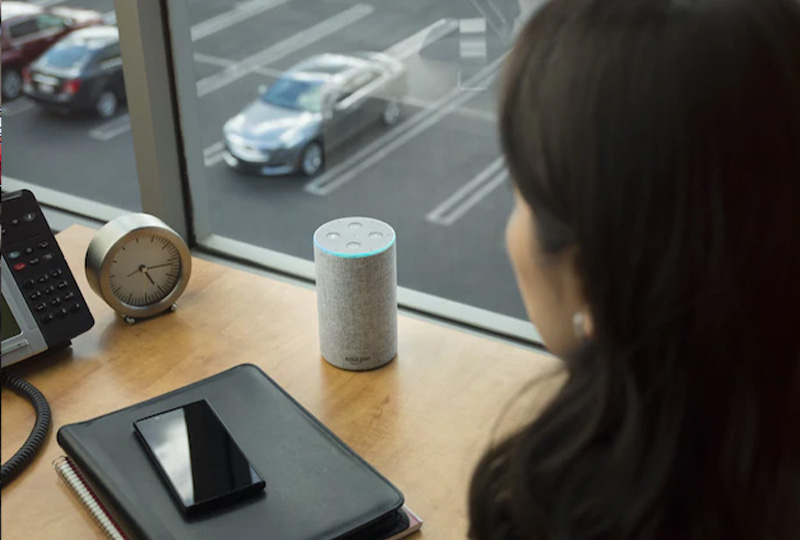
STEP 1
Go to alexa.amazon.com or the Amazon Alexa mobile app and log in to your account.
STEP 2
Search for and select the myCadillac skill and click to enable it.
STEP 3
Link the skill to your Owner Center account by entering your username and password.
ALEXA, ASK CADILLAC …
"… to start my car."
Alexa will ask you for your PIN, and then start your vehicle.
____________________________
"… to lock my car."
Alexa will ask you for your PIN, and then lock your vehicle.
____________________________
"… for help."
Alexa will read a list of commands the myCadillac skill will respond to.
KEY BY AMAZON
Deliveries don't have to be a hassle. Using Cadillac technology, Key by Amazon† In-Car Delivery can help Amazon Prime members get what they need simply and conveniently delivered right to their properly equipped Cadillac.
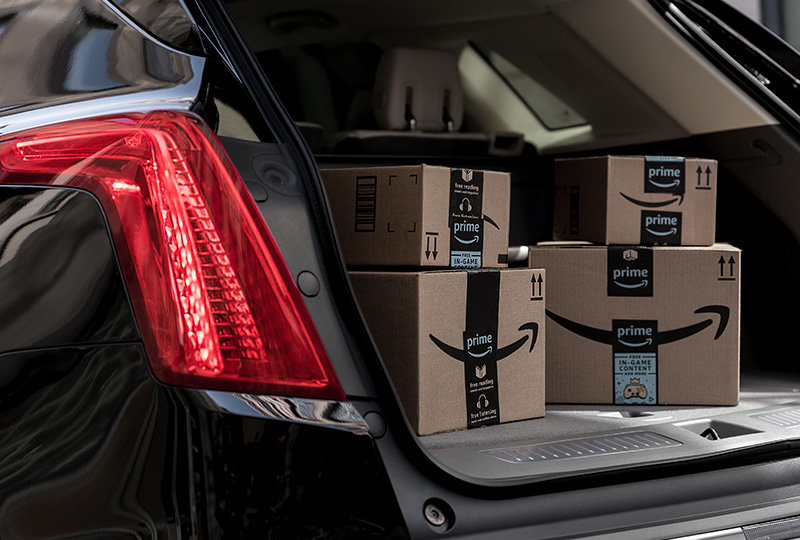
CONVENIENCE IS A PRIORITY:
- Deliveries can reach your Cadillac when you park in publicly accessible areas.
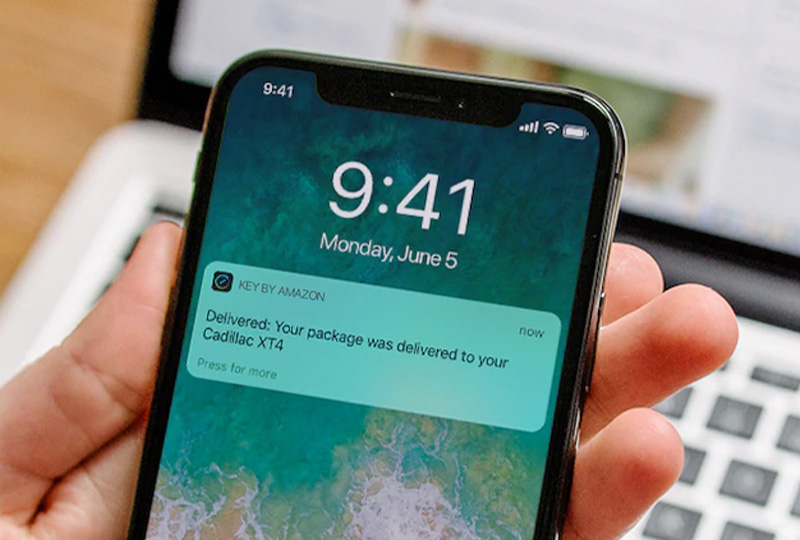
- Check the status of your in-car deliveries with real-time notifications through the Key by Amazon† app.
- Enjoy peace of mind with your delivery backed by the Key by Amazon Happiness Guarantee† at no extra cost.
HOW TO GET STARTED
STEP 1
Key by Amazon† requires a properly equipped Cadillac that is MY 2015 or newer with an active service plan and an Amazon Prime membership.
CHECK NOW
STEP 2
Download the Key by Amazon App†, link your Amazon account to your Owner Center account and start shopping. Select an eligible address and the in-car delivery option at checkout.
STEP 3
Conveniently receive your packages in your Cadillac†.
For more information and frequently asked questions, click here.
†The Key by Amazon App is available for free download on selected iOS and Android mobile devices. Key by Amazon In-Car Delivery availability, features and functionality are subject to limitations and may vary according to vehicle, device, location and the manufacturer’s connected vehicle service plan. Key by Amazon In-Car Delivery is available for Amazon Prime members in select cities and surrounding areas for eligible vehicles. To learn more about Key by Amazon, and to check your eligibility, visit amazon.com/keyforcar. Amazon, Alexa and all related logos are trademarks of Amazon.com, Inc. or its affiliates.
†Service availability, features and functionality are subject to limitations and vary by vehicle, device, location and active service plan. Device data connection is required. Skill requires account linking to use. Unlock feature requires automatic locks. Remote start requires GM factory-installed and enabled remote start system. See onstar.com for details and limitations.